
Better retention
Managers who lead with a clear view
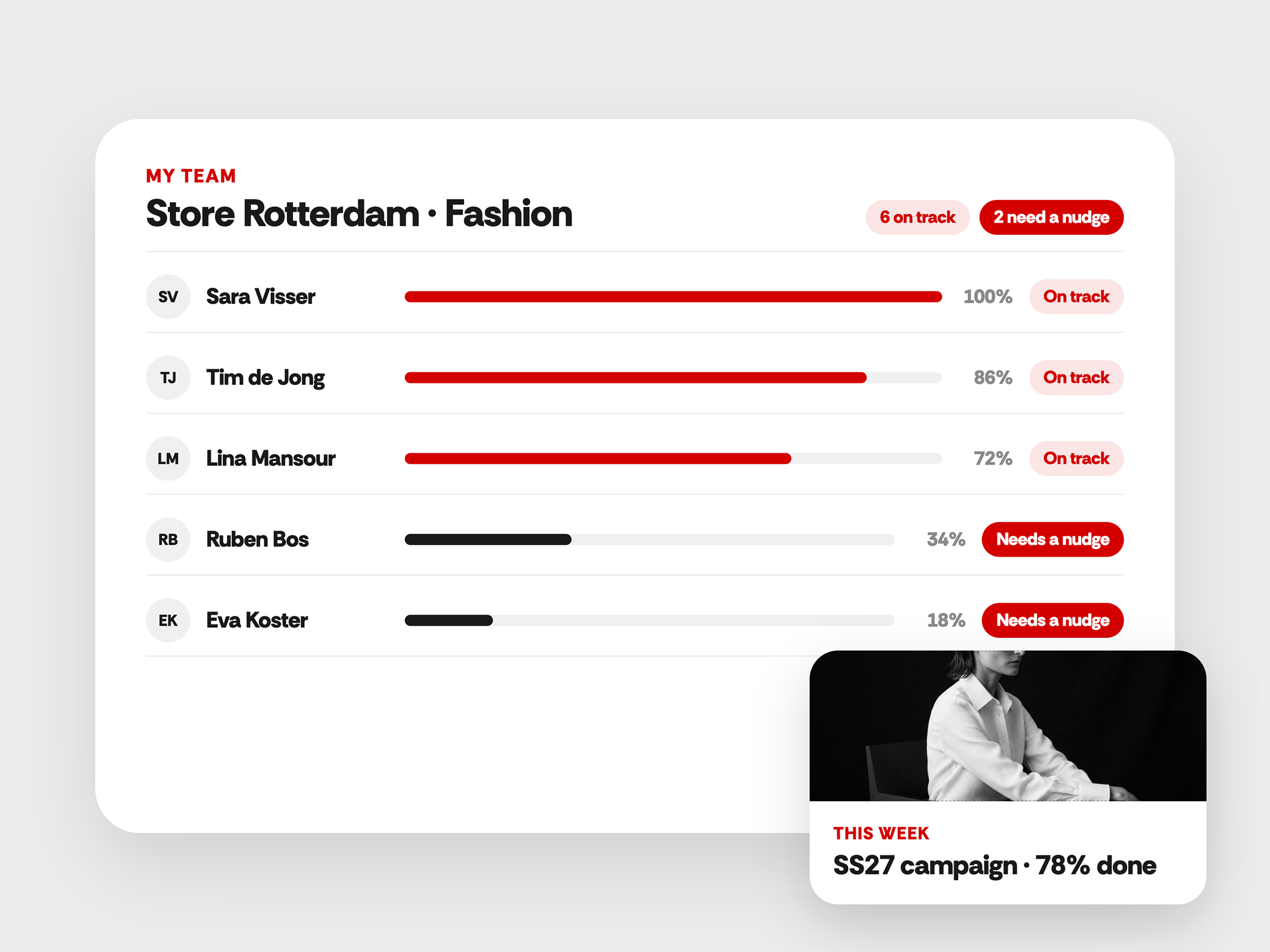
Store managers see at a glance who's on track and who needs a nudge. It works from day one, without a manual. People who get support in time are more likely to stay.
Everything a manager needs to guide the team
Store managers run the floor, the schedule and the team at the same time. Their view shows who's ready and who needs a hand, without digging through reports.
A home screen made for managers
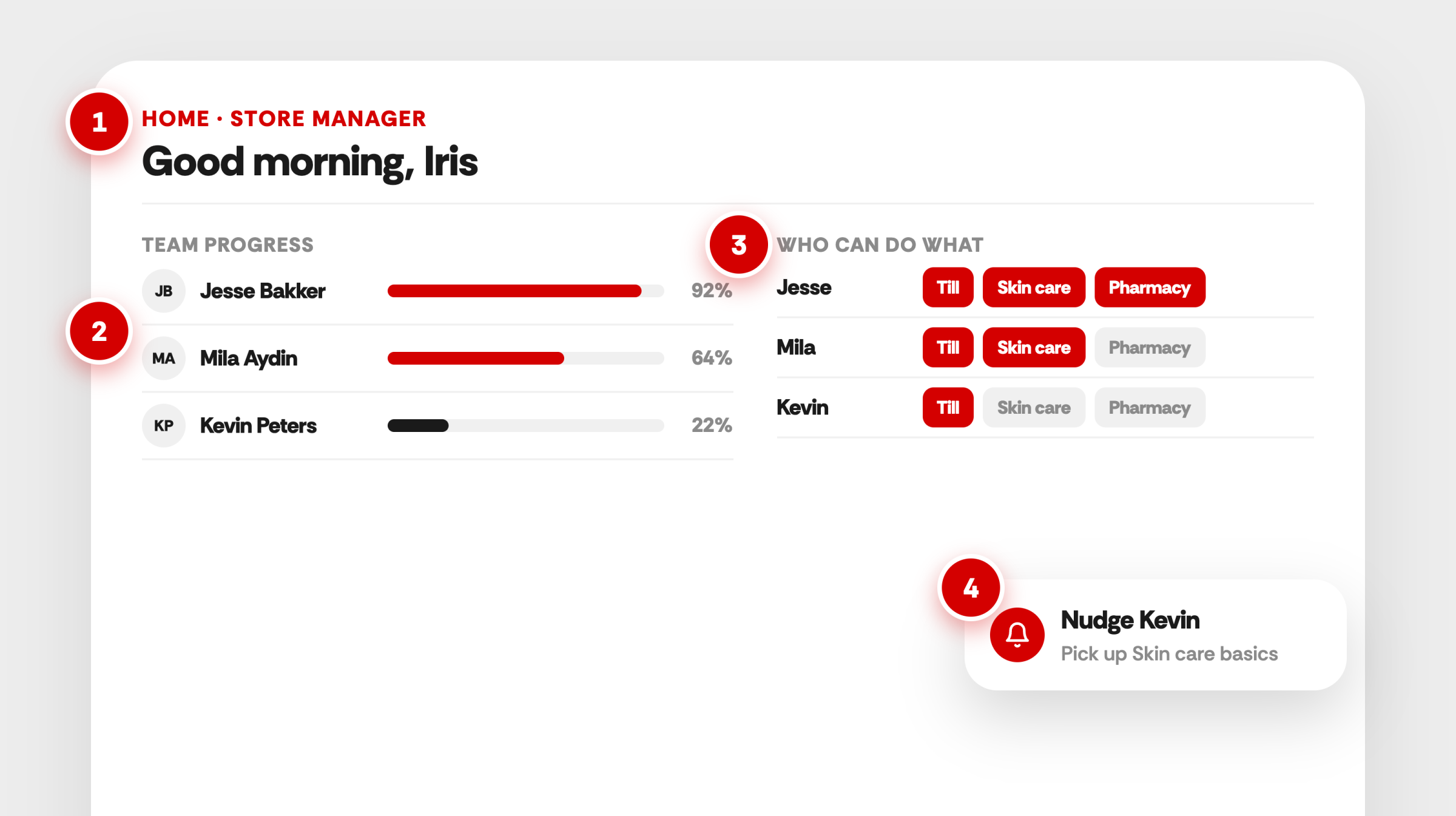
Managers land straight in their team view instead of the learner stream. You set up the home page per role.
Team progress per person
See completion and learning activity for everyone in the team.
Who can do what
A skills overview shows who has which skills and where development is needed.
A notification when it's needed
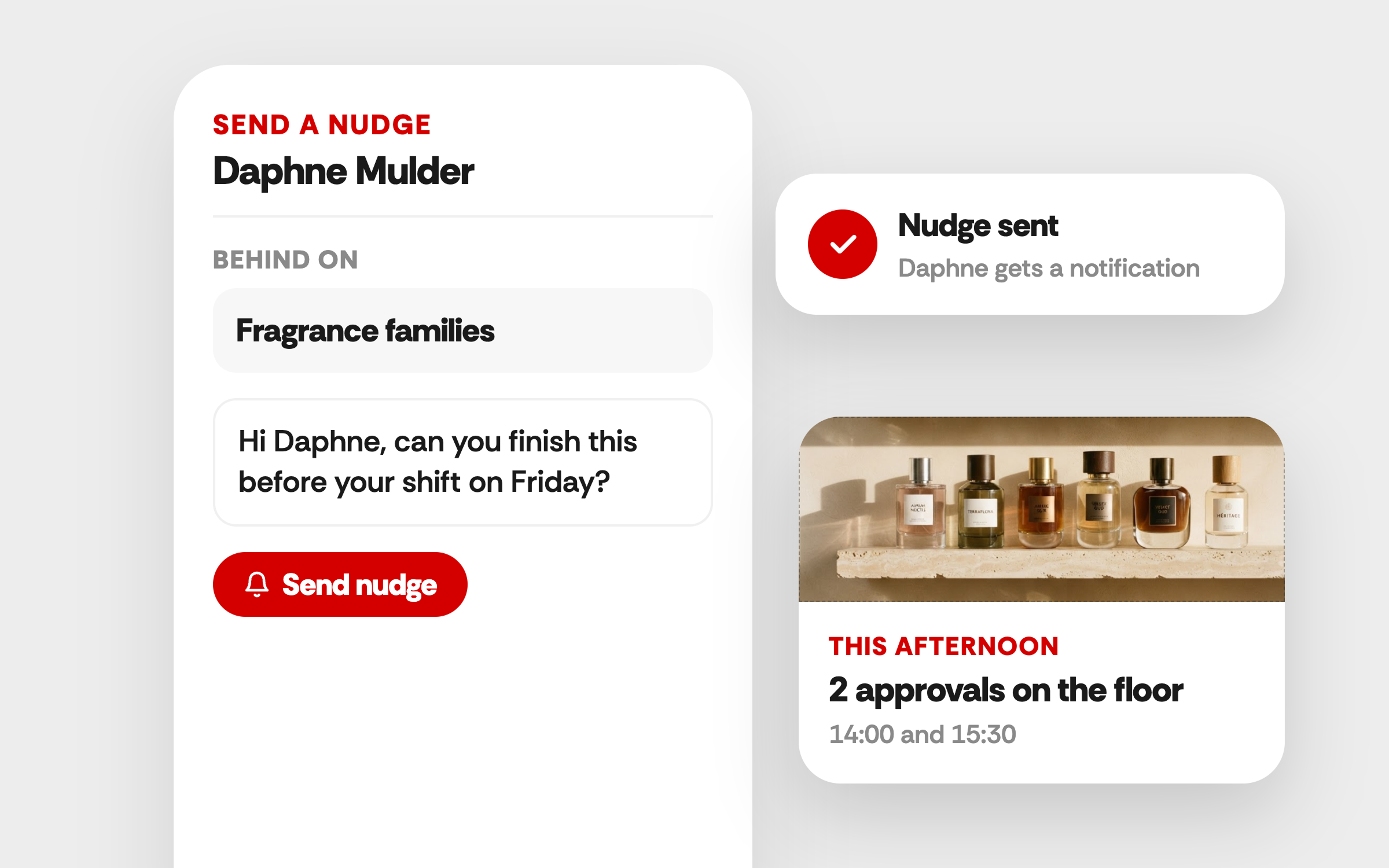
Send team members a notification to take action or pick their learning back up, straight from the overview.
What that looks like
A store manager's Monday morning
08:45
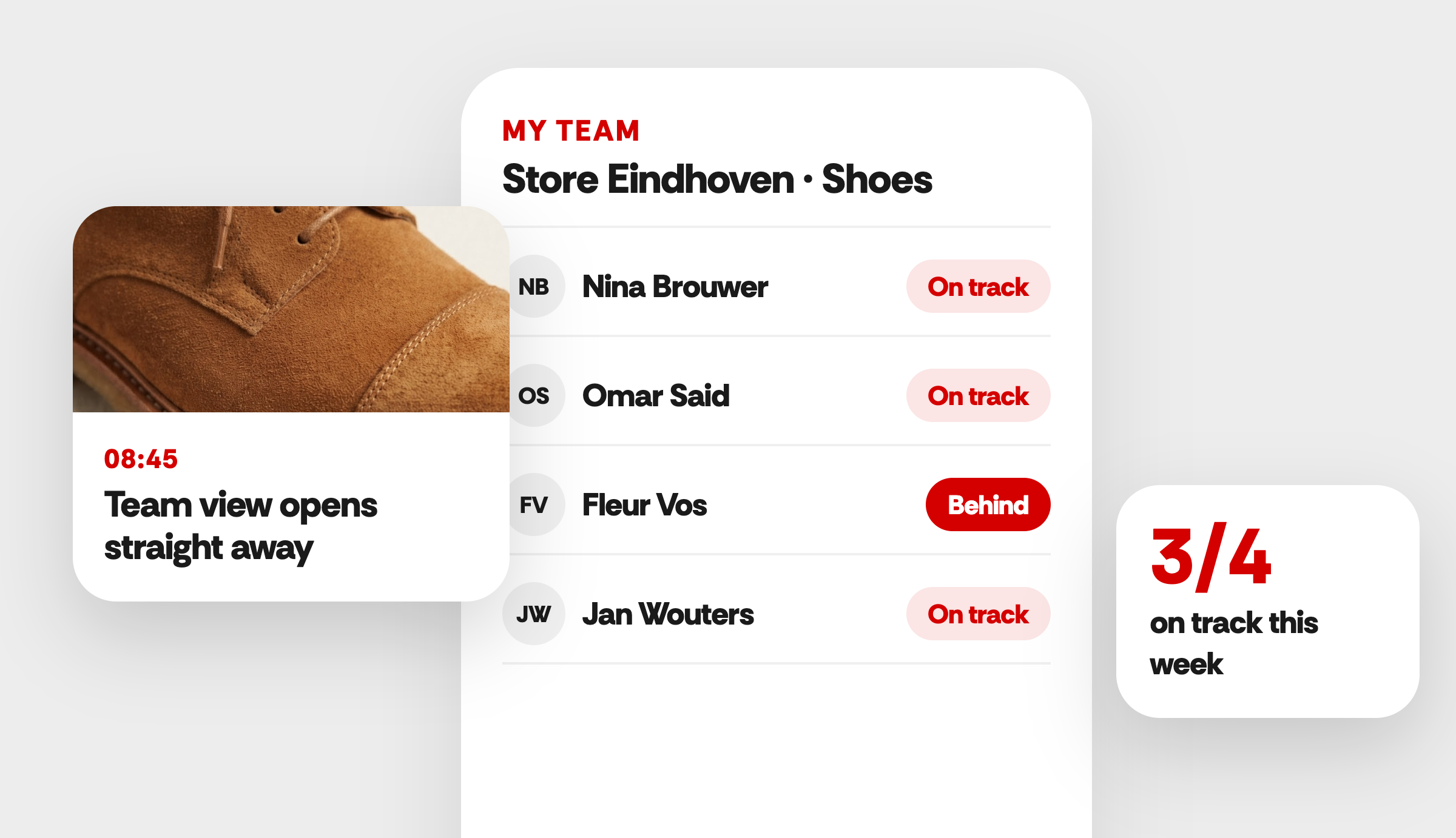
The manager logs in
Their team view opens straight away, showing who's on track and who's behind.
09:00
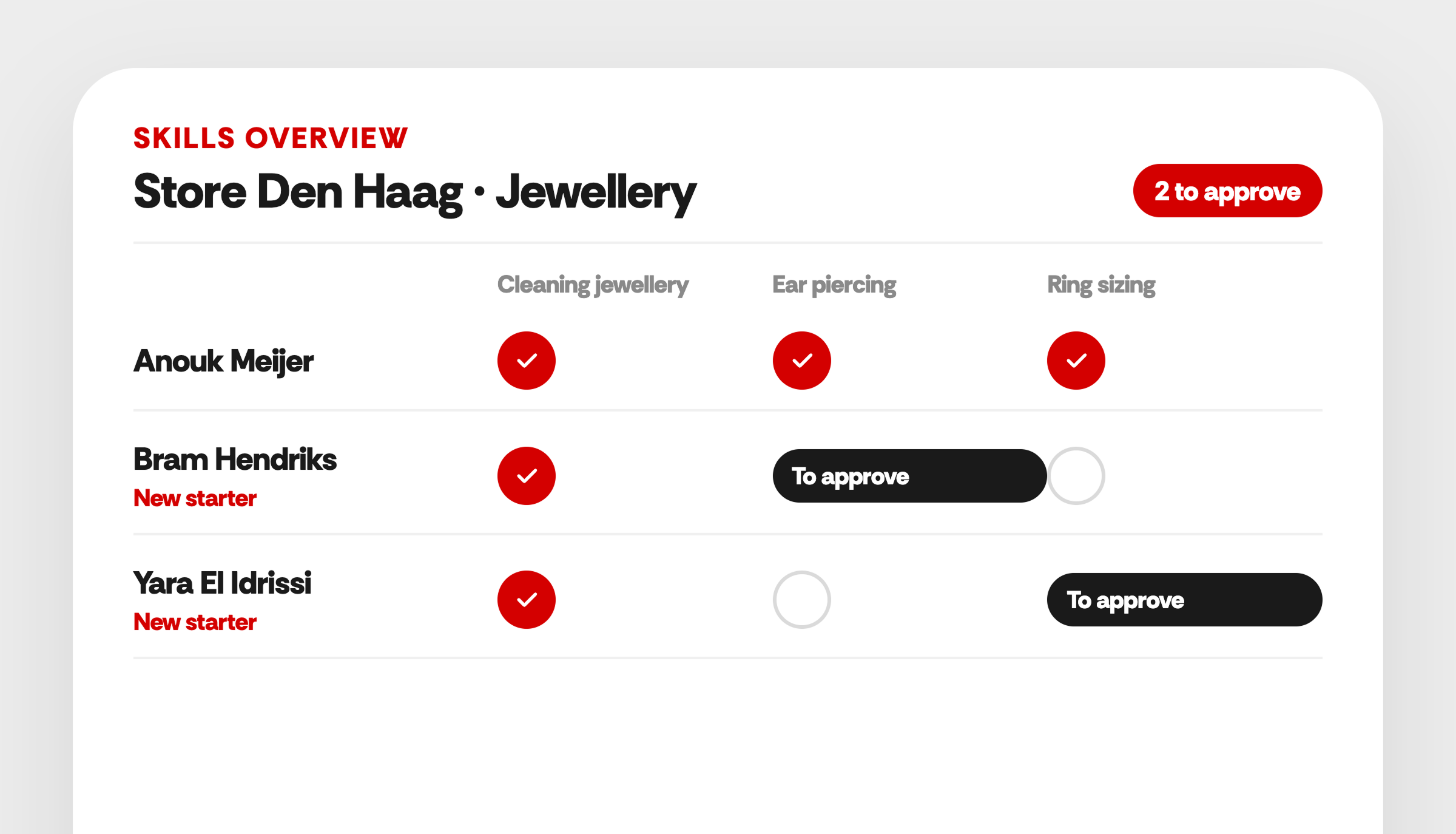
They check skills
The skills overview shows that two new starters still need a skill approved.
09:15
They take action
They send a nudge to the team member who's behind, and plan the approvals on the floor that afternoon.