
Better retention
The location manager as coach
Who can move on and who needs help? The team overview shows location managers how colleagues are progressing. That gives a reason for a conversation, a compliment or practising together on the job.
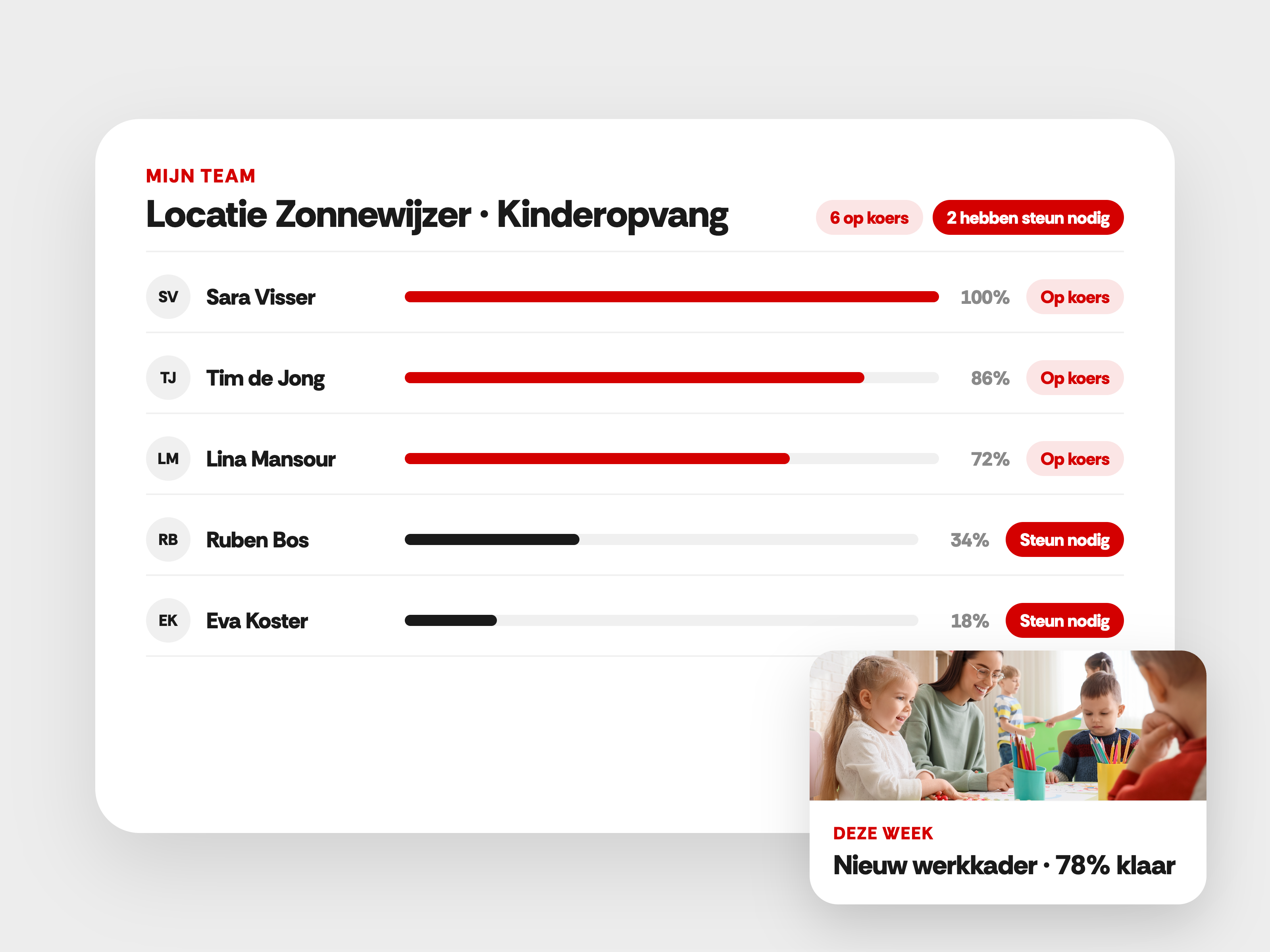
Everything a location manager needs to coach the team
Location managers juggle a lot at once. Make the team's progress easy to find, so guidance gets a place in the working week.
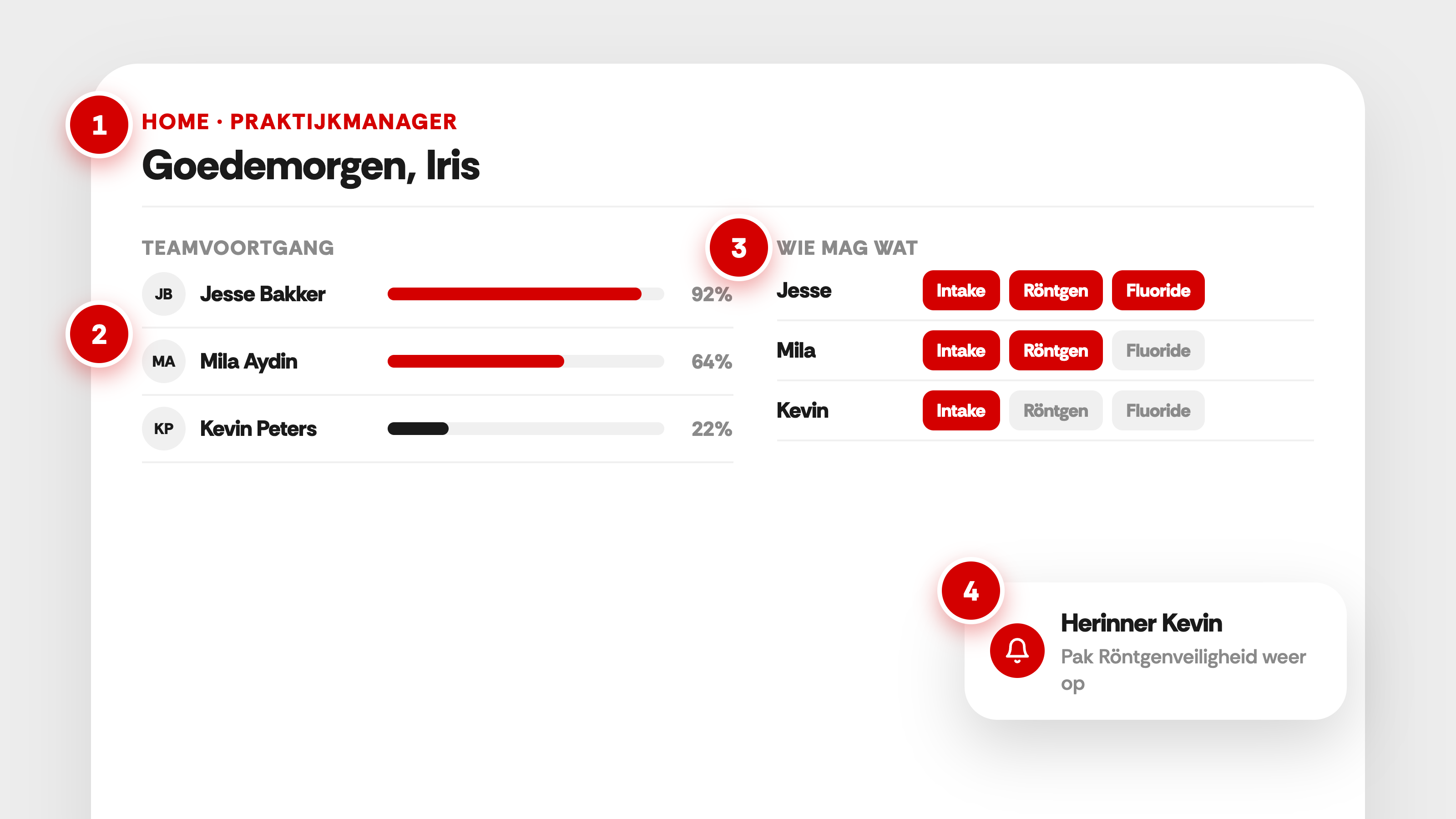
A home screen for location managers
The location manager lands on their own team overview. The relevant information is in one place.
Team progress per person
See which activities have been completed and what is still open. Ask a colleague what they need to move on.
Skills in view
View the recorded skills and practical assessments. Use the overview to discuss guidance and further practice.
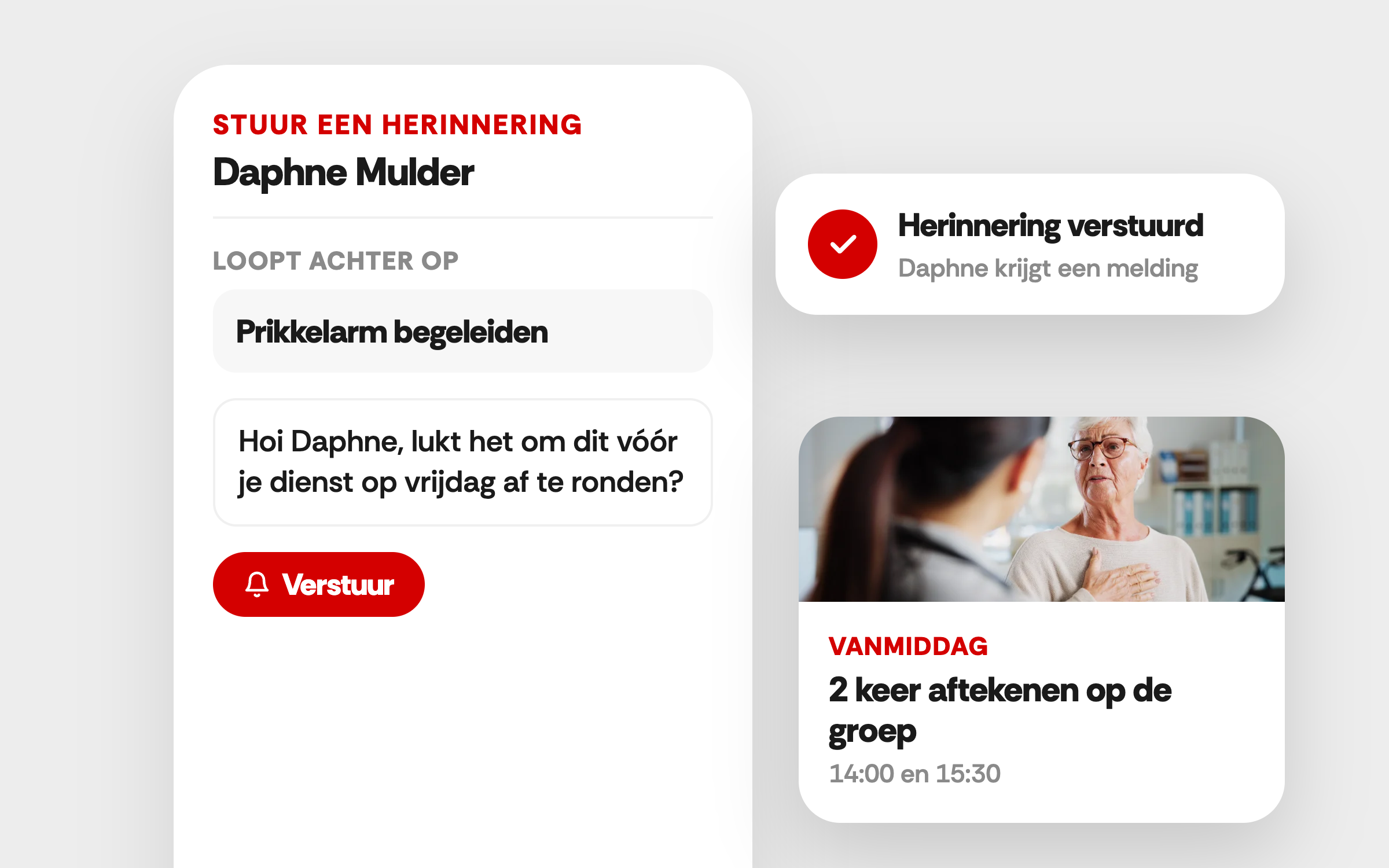
A notification when it is needed
Send a reminder from the overview or get in touch. Together you decide on a realistic next step.
What that looks like
A location manager's Monday morning
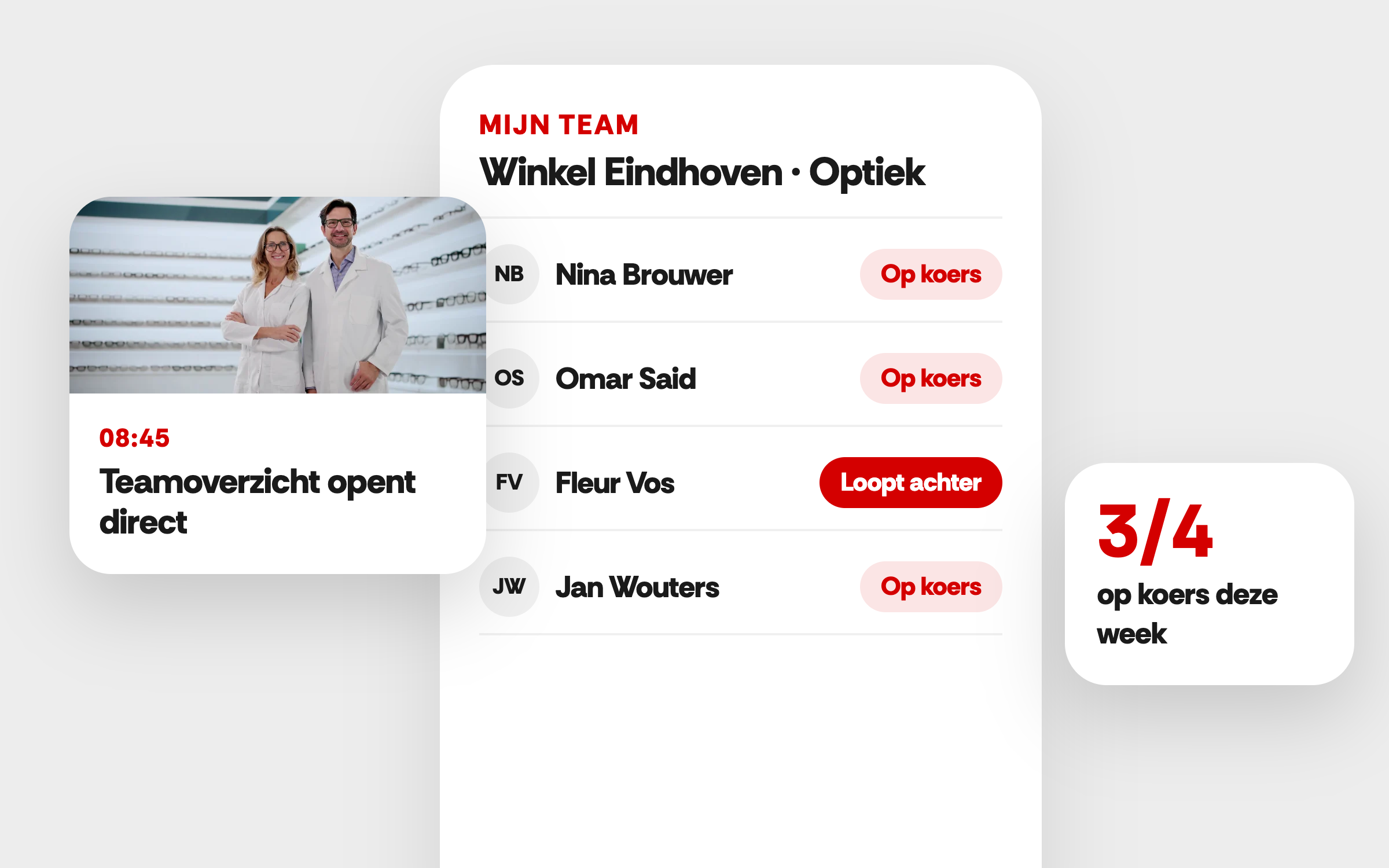
08:45
Opening the team overview
The location manager sees who has moved on with the learning route and which activities are still open.
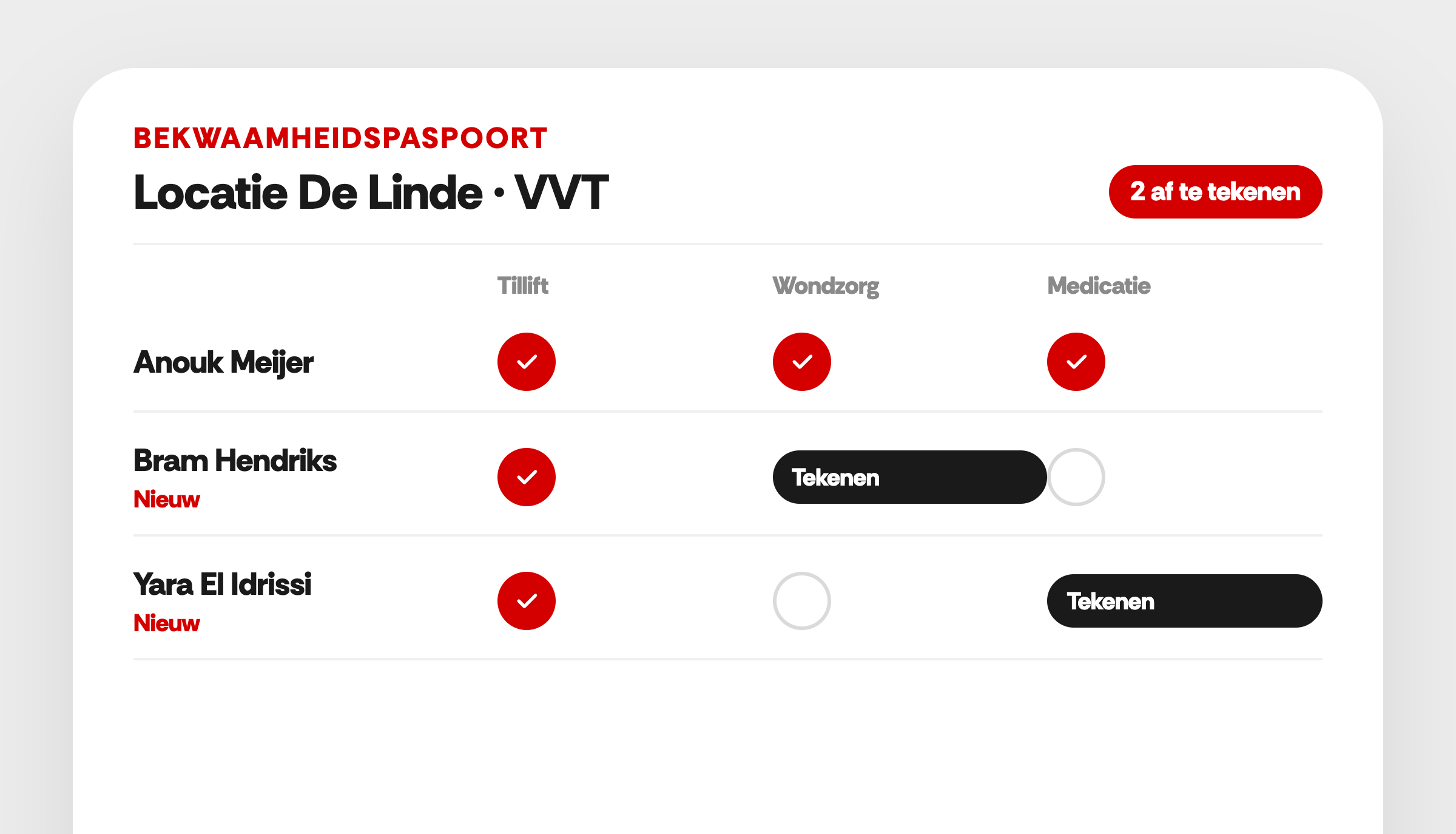
09:00
Deciding who needs attention
A colleague has not completed a unit yet. The manager asks what is going on and what help is needed.
09:15
Making an agreement together
They plan a practice moment or time for the training. The manager agrees when they will look again at how it is going.